Course planner | Free Template | Craft

→ Craft Plus and Family 享 6 折优惠

Course planner

Optimize your university experience with the course planner template – your straightforward solution for academic organization. Explore it today!

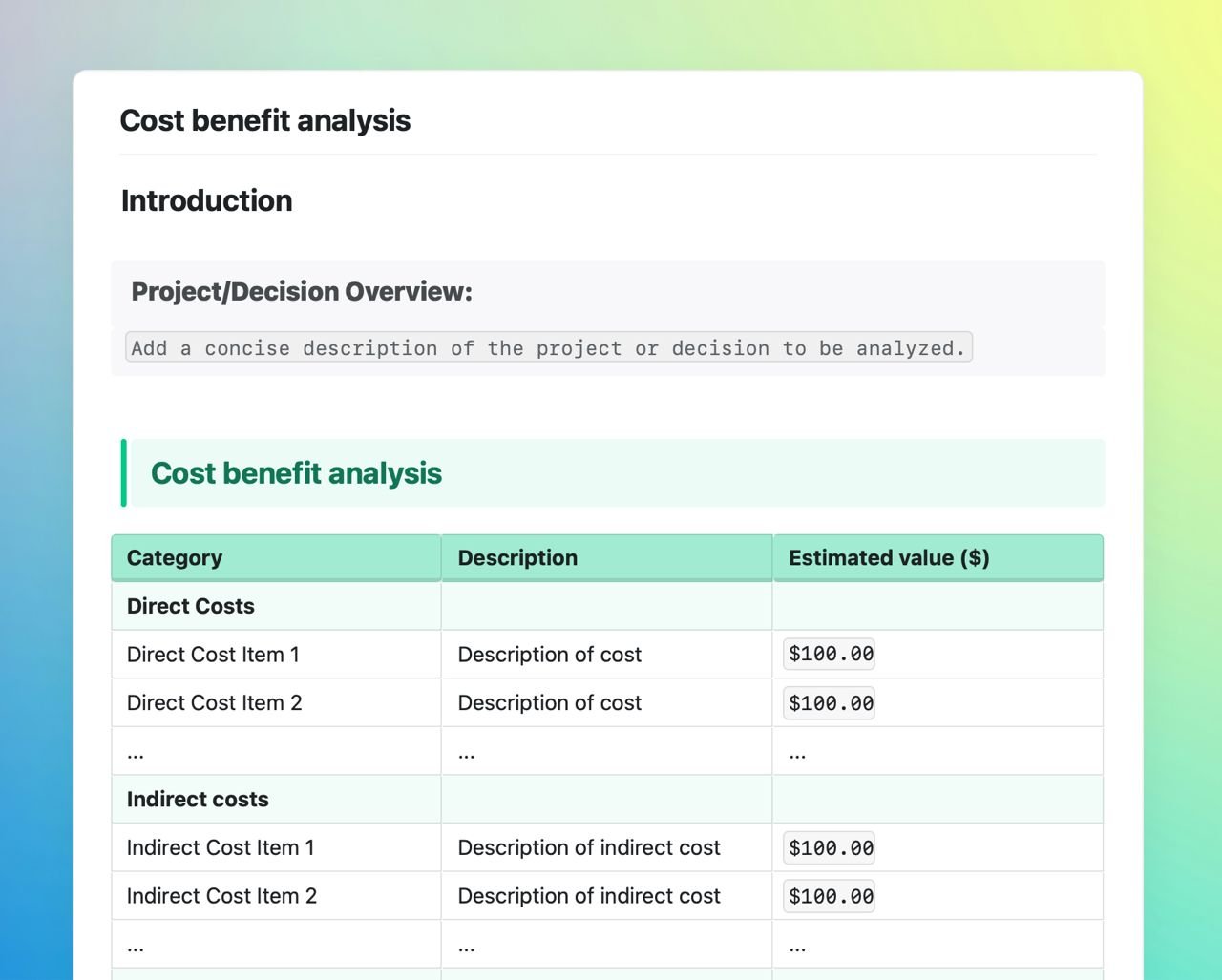
Course planner template in Craft showing instructions.

University life can be complex, with its mix of different courses, assignments, and schedules. The Course Planner Template simplifies this complexity, offering students a structured and straightforward way to manage their academic responsibilities.

Inside the course planner template

  • Weekly schedule: A clear layout to manage weekly classes, including timings and locations.
  • Assignment tracker: Tracks assignments with their due dates and progress.
  • Reading list: Organizes required readings for each course, aiding in time management.
  • Grade tracker: Monitors academic performance throughout the semester.
  • Contacts: Keeps important academic contacts in one accessible place.
  • Notes: For personal reminders, academic goals, and additional notes.

Simplifying academic planning

The Course Planner Template addresses the common challenge faced by university students: staying organized amidst a busy academic schedule. By consolidating course schedules, assignments, and readings in one place, it promotes a more organized approach to managing academic tasks.

Benefits of the course planner template

  1. Organization made easy: Centralize your academic schedule, assignments, and contacts.
  2. Effective time management: Visualize schedules and deadlines for better planning.
  3. Track your academic progress: Keep tabs on grades and personal achievements.
  4. Convenient contact management: All your academic contacts, easily accessible.

Empowering your academic journey

This template is designed to support students in their pursuit of academic success. It provides a practical way to manage your university life, from tracking assignments to planning for upcoming classes. Whether you're navigating your first semester or gearing up for final year projects, this template is an effective tool to keep you organized and focused.

Discover how the Course Planner Template can transform your university experience. Give it a try and experience a more organized and manageable academic life.
self.__next_f.push([1,"样出色的无干扰写作体验——还额外支持发布、协作、合集和 AI 助手。如果你特别需要 Ulysses 的写作目标或用于书籍出版的多格式导出功能,它在这个领域仍然很出色。\",\"question2-type\":\"相比 Ulysses,Craft 更适合哪类用户?\",\"answer2-type\":\"希望拥有比纯写作应用更灵活的精美文档的写作者和专业人士。Craft 处理笔记、任务、发布和协作——让它成为你的一站式工作空间。Ulysses 仅专注于长文写作。\",\"question3-teams\":\"Craft 支持协作吗?Ulysses 只支持单人使用。\",\"answer3-teams\":\"支持。Craft 提供实时协作、评论和团队空间。通过链接与任何人共享文档。Ulysses 没有协作功能——它完全是个人写作工具。\",\"question4-cost\":\"Craft 和 Ulysses 相比费用如何?\",\"answer4-cost\":\"Ulysses 每月 $5.99 或每年 $49.99。Craft Plus 起价每月 $5(每年 $60)。价格相近,但 Craft 包含 AI、发布、协作和整理功能,而 Ulysses 不提供这些。\",\"question5-features\":\"Craft 有哪些 Ulysses 没有的功能?\",\"answer5-features\":\"一键发布网页、实时协作、使用合集和空间整理内容、AI 助手、任务管理,以及创建带封面和样式区块的丰富格式文档。Ulysses 仅限于纯写作和导出。\",\"question6-offline\":\"Craft 和 Ulysses 一样支持离线使用吗?\",\"answer6-offline\":\"支持。两款应用都提供完整的离线访问。无需联网即可创建、编辑和整理文档。两者都通过 iCloud 在联网时同步。两款应用的离线体验同样出色。\",\"question7-import\":\"我可以把 Ulysses 的内容导入到 Craft 吗?\",\"answer7-import\":\"可以。将 Ulysses 资料库导出为 Markdown 文件,然后导入 Craft。你的格式、标题和结构会完好保留。Ulysses 的关键词会变成 Craft 标签,只需少量手动调整。\",\"question8-writing\":\"Craft 和 Ulysses 的写作体验有什么不同?\",\"answer8-writing\":\"两者都提供出色的无干扰写作体验。Ulysses 使用 Markdown 并支持实时预览。Craft 直接提供富文本格式——所见即所得。Craft 的方式更注重视觉呈现,Ulysses 则更偏向纯文本。\",\"question9-speed\":\"Craft 和 Ulysses 哪个更快?\",\"answer9-speed\":\"两者都是高性能的原生 Apple 应用,速度表现出色。在纯文本编辑方面不相上下。Craft 在处理更丰富的内容(图片、嵌入内容、合集)时依然保持流畅。两者都能通过 iCloud 快速同步。\",\"question10-publish\":\"Craft 和 Ulysses 的发布功能有什么区别?\",\"answer10-publish\":\"各有优势。Craft 一键发布精美网页——即时在线共享。Ulysses 可导出到 WordPress、Medium 以及格式化文件(PDF、ePub、DOCX),适合传统出版工作流。\",\"question11-organization\":\"Craft 的组织方式和 Ulysses 的资料库相比如何?\",\"answer11-organization\":\"Craft 提供空间、文件夹、合集和标签。Ulysses 使用群组和关键词。Craft 在整理多种内容类型方面更灵活。Ulysses 则为纯写作项目做了精简优化。\",\"question12-pencil\":\"Craft 支持 Apple Pencil 吗?Ulysses 不支持。\",\"answer12-pencil\":\"支持。Craft 在 iPad 上原生支持 Apple Pencil,可用于书写、绘画和标注。手写笔记和打字文本可以混合使用。Ulysses 不支持手写。\",\"question13-ai\":\"Craft 有 AI 功能吗?Ulysses 没有。\",\"answer13-ai\":\"支持。Craft 在所有套餐中都包含 AI 助手。借助 AI 帮助写作、编辑、总结和整理内容。Ulysses 没有内置 AI 功能。\",\"question14-worth\":\"从 Ulysses 转到 Craft 值得吗?\",\"answer14-worth\":\"如果你需要发布、协作、AI 以及比纯写作更丰富的整理功能,那是值得的。许多写作者在需要写作应用做更多事情时选择了切换。如果你只需要专注的长文写作,Ulysses 仍然很出色。\",\"question15-students\":\"相比 Ulysses,Craft 适合学生使用吗?\",\"answer15-students\":\"适合。Craft 提供免费的 Education 套餐。对于需要整理、协"])